
Users expect applications to feel live. A new order appears on the dashboard, a message arrives in the chat, a status changes, and nobody has to press refresh to see it.
Laravel Reverb makes this possible without leaving the framework. Here is how I think about real-time features, how the pieces fit together, and what to plan for before going to production.
1. What does real-time actually mean?
Think about a dashboard showing orders coming into a business.
Without real-time functionality, the interface might need to refresh periodically to discover whether a new order has arrived. Alternatively, the user may have to refresh the page manually.
With real-time functionality, the application can notify the browser when a new order is created, allowing the interface to update almost immediately.
This pattern is useful for many features:
- Live notifications.
- Chat and messaging.
- Order status updates.
- Collaborative dashboards.
- Live activity feeds.
- Progress updates for background jobs.
The important distinction is that real-time communication doesn't replace your database or business logic. It delivers updates to connected clients when relevant events occur.
2. Where Laravel Reverb fits in
Laravel Reverb is a first-party WebSocket server designed to integrate with Laravel's event broadcasting system. It allows the server to push updates to connected browsers rather than relying exclusively on repeated HTTP requests (Laravel Reverb documentation).
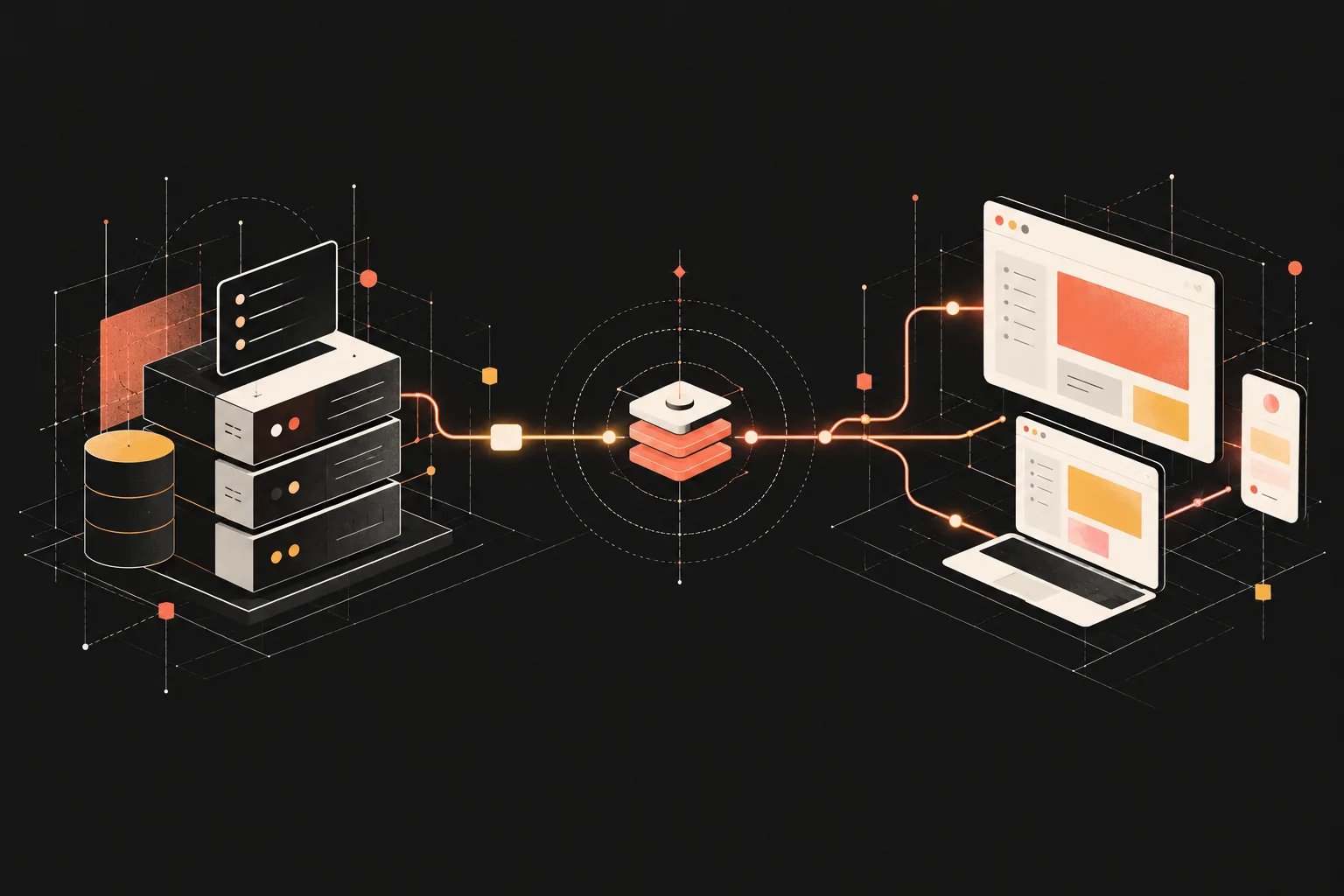
The architecture brings together a few components:
- Laravel events: Represent something that happened in the application.
- Broadcasting: Sends selected events to subscribed clients.
- Reverb: Provides the WebSocket server that delivers messages.
- Laravel Echo: Connects the JavaScript frontend to channels and listens for events.
- Vue: Reacts to received events and updates the interface.
A typical flow looks like this:
- An action occurs. A user creates an order in Laravel.
- Laravel dispatches an event. The event implements
ShouldBroadcast. - Reverb broadcasts the update. Connected clients subscribed to the relevant channel receive it.
- Vue updates the interface. The user sees the new order without refreshing.
For broadcast events, Laravel typically uses queued jobs, so a working queue worker is an important part of the setup.
3. Setting up Reverb in Laravel
For a new or existing Laravel application, the broadcasting installer provides a convenient starting point.
Run:
php artisan install:broadcasting --reverb
This installs the required broadcasting dependencies and updates the application's configuration. Review the generated environment variables and configuration before proceeding.
Next, start the Reverb server:
php artisan reverb:start
During local development, you'll also need to run your normal application server, frontend development server, and queue worker when your configuration requires queued broadcasting.
For example:
php artisan serve
npm run dev
php artisan queue:work
These commands are typically run in separate terminals. The Reverb server should run in another terminal as well.
The exact setup may vary with your development environment and existing Laravel configuration. The official Laravel broadcasting guide covers the installation and client configuration in more detail.
4. Creating a broadcast event
Let's use a simple example: notifying a dashboard when a new order is created.
Generate an event:
php artisan make:event OrderCreated
The event can implement ShouldBroadcast and publish a limited set of order data.
<?php

namespace App\Events;

use App\Models\Order;
use Illuminate\Broadcasting\PrivateChannel;
use Illuminate\Contracts\Broadcasting\ShouldBroadcast;
use Illuminate\Foundation\Events\Dispatchable;
use Illuminate\Queue\SerializesModels;

class OrderCreated implements ShouldBroadcast
{
    use Dispatchable, SerializesModels;

    public function __construct(
        public Order $order
    ) {}

    public function broadcastOn(): array
    {
        return [
            new PrivateChannel('orders'),
        ];
    }

    public function broadcastAs(): string
    {
        return 'order.created';
    }

    public function broadcastWith(): array
    {
        return [
            'id' => $this->order->id,
            'status' => $this->order->status,
        ];
    }
}
There are two important decisions here.
First, the event uses a private channel. Access to that channel must be authorised through Laravel's channel authorisation mechanism.
Second, the event only broadcasts the information the frontend needs. Broadcasting an entire model when the client only needs an identifier and status can expose unnecessary information.
You would dispatch this event after the order has been successfully created, ideally in a way that ensures it isn't broadcast before the relevant database transaction commits.
5. Listening for events in Vue
Once the frontend is configured with Laravel Echo and connected to Reverb, Vue can subscribe to the relevant channel.
For example:
import { onMounted, onUnmounted } from 'vue';

onMounted(() => {
    window.Echo.private('orders').listen('.order.created', (event) => {
        console.log('New order:', event);

        // Update the relevant reactive state.
    });
});

onUnmounted(() => {
    window.Echo.leave('orders');
});
The example uses a custom broadcast name, which is why the listener uses .order.created.
In a real Vue component, the event handler would update reactive state or trigger a data refresh rather than simply logging the event. Cleanup is important so that subscriptions don't accumulate when components are mounted and unmounted.
For private channels, the client must also be authenticated and authorised to subscribe.
6. Real-time doesn't mean trusting the browser
A WebSocket connection is not a replacement for application security.
The server must still validate requests, enforce permissions, and determine which users can access each channel. Private and presence channels serve different purposes from public channels, and their authorisation rules need to match the application's requirements.
I would also consider:
- Broadcasting only necessary data.
- Handling disconnected clients and reconnects.
- Deciding how clients recover updates they missed while offline.
- Using queues appropriately for broadcast events.
- Avoiding duplicate UI updates.
- Monitoring connection counts, errors, and queue delays.
A real-time notification can tell the browser that something changed, but the server remains the source of truth.
7. What changes when you deploy?
Getting Reverb working locally is only part of the process.
Unlike a typical request-response process, Reverb runs as a long-lived server. In production, it needs reliable process management, appropriate WebSocket routing, secure connections, and enough server resources for the expected number of concurrent clients.
For a typical deployment, I would plan for:
- A process manager such as Supervisor to keep Reverb running.
- A reverse proxy configured for WebSocket connections.
- HTTPS/WSS and correctly configured application credentials.
- A running queue worker where queued broadcasting is used.
- Appropriate allowed-origin and channel-authorisation settings.
- Monitoring and a restart strategy.
If the application grows, Reverb supports horizontal scaling using Redis and multiple Reverb servers behind a load balancer. That is something to consider when the workload justifies it, rather than introducing it unnecessarily on day one.
Final thoughts
Real-time features can make an application feel more responsive and useful, particularly when multiple users need to see changes as they happen.
What I find valuable about Laravel Reverb is how it fits into Laravel's existing event and broadcasting ecosystem. Instead of building an entirely separate real-time backend, you can extend the application you already have.
But the technology is only one part of the solution. The real work is deciding which events matter, who should receive them, how the interface should react, and what happens when a connection fails.
For me, that's the difference between simply adding WebSockets to an application and building a reliable real-time feature.
Real-time functionality is most useful when it solves a genuine problem for the user, not simply when it makes the technology more impressive.